
Operational systems for established service businesses.
Stop losing management and admin time to disconnected systems and repetitive work.
Practical Systems connects scattered software, reduces repetitive administrative work, and builds the focused operational tools your current systems leave out—without replacing everything that already works. Leveraging AI where appropriate.

The software is not the whole system
Each platform holds one piece of the business.
Your CRM handles customers. Accounting handles financials. Payroll, workforce, fleet, marketing, payments, and spreadsheets hold the rest. Management time disappears in the handoffs between them: re-entered information, manually assembled reports, and follow-up that depends on somebody remembering the next step.
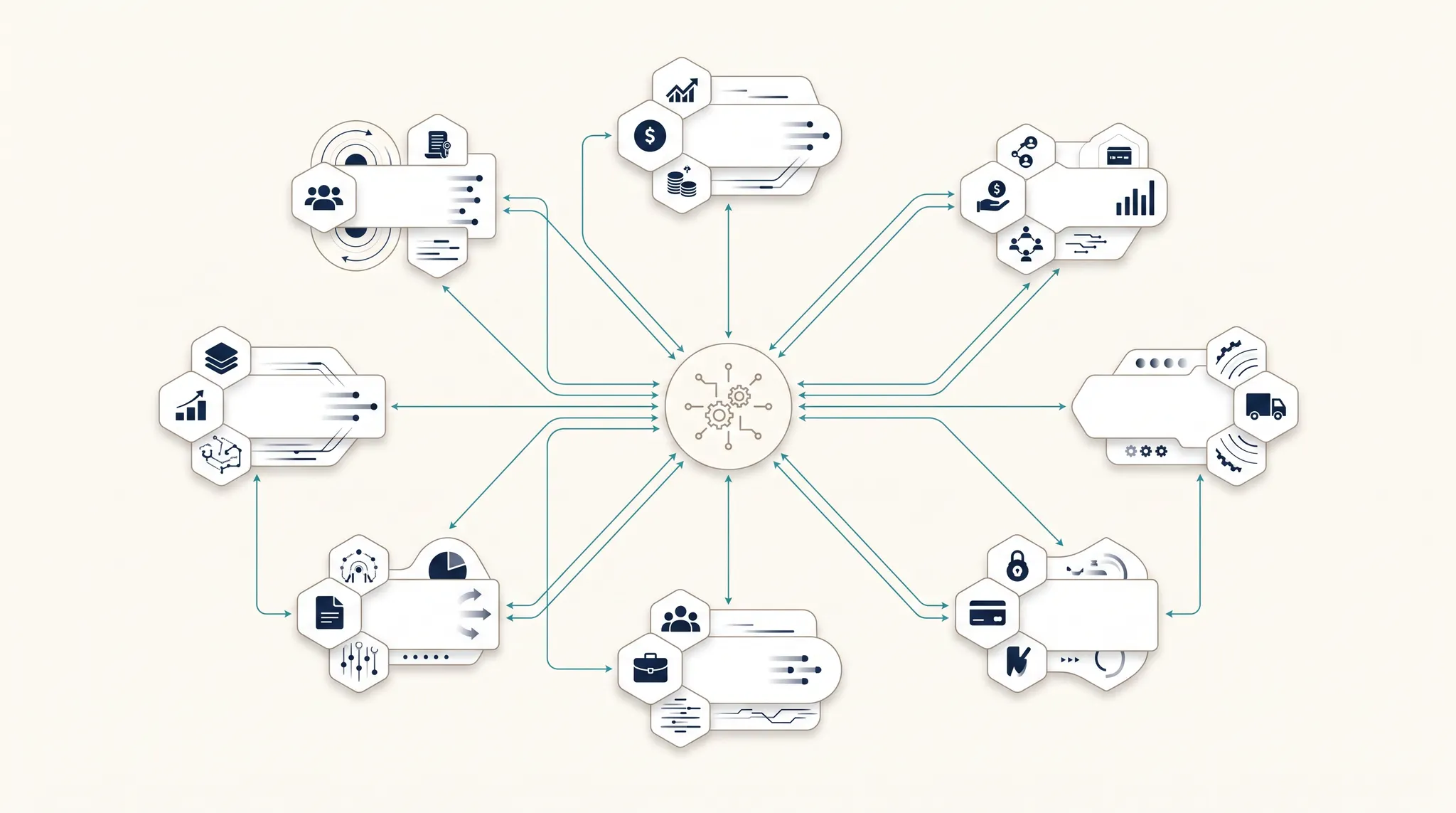
When the business outgrows the workarounds
The friction shows up everywhere.
Managers combine exports and spreadsheets by hand.
The same information is entered or reconciled more than once.
Reports arrive after the opportunity to act has passed.
Important processes depend on one person remembering every step.
What we build
The missing AI-empowered operational layer.
Focused systems that connect what the business already has, make important information useful, and remove work that should not require constant manual effort.

Operational dashboards
Bring essential information into one practical view so owners and managers can see what requires attention.
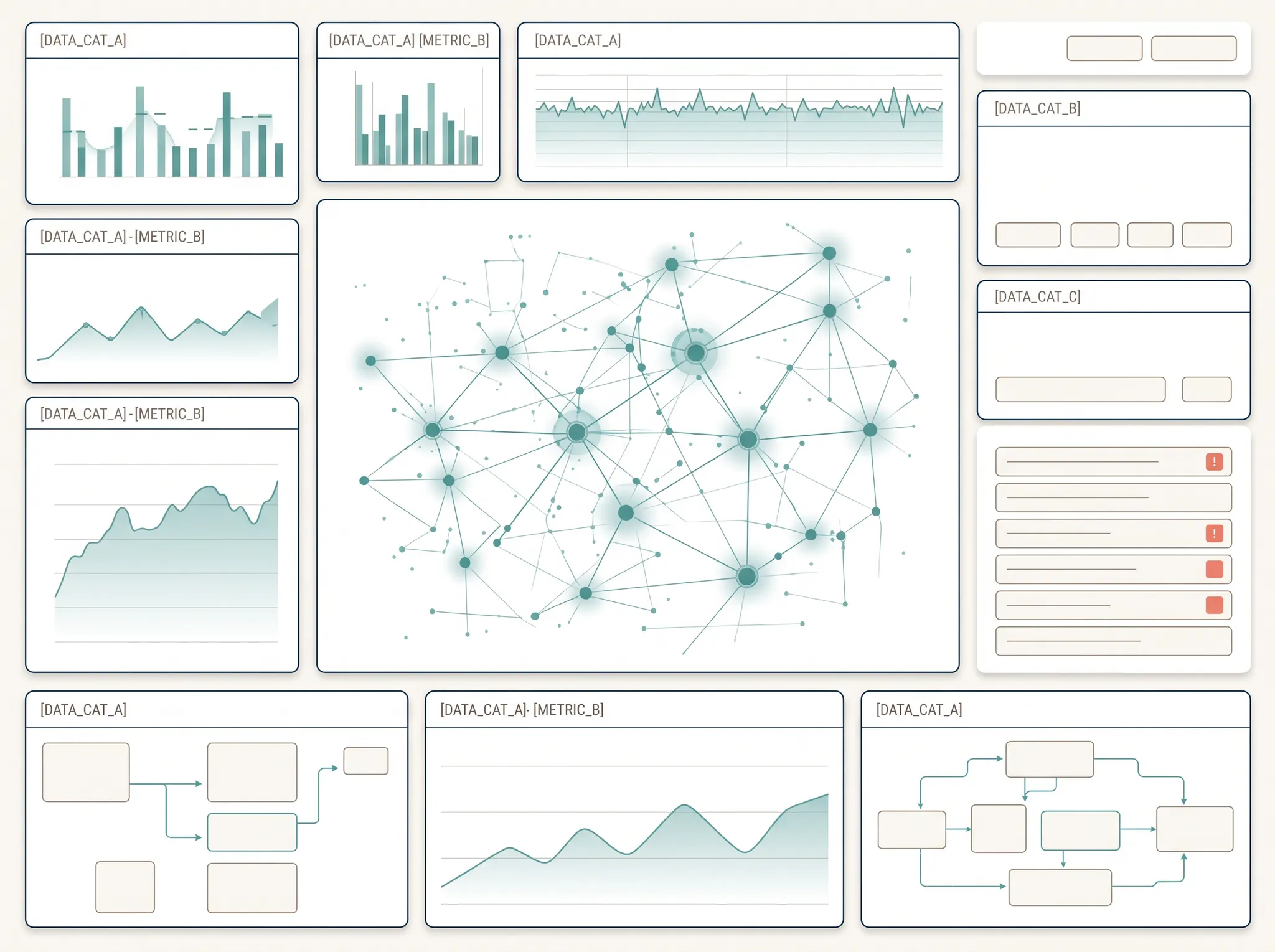
Connected reporting
Combine financial and operating information to understand what is driving results—not only what already happened.
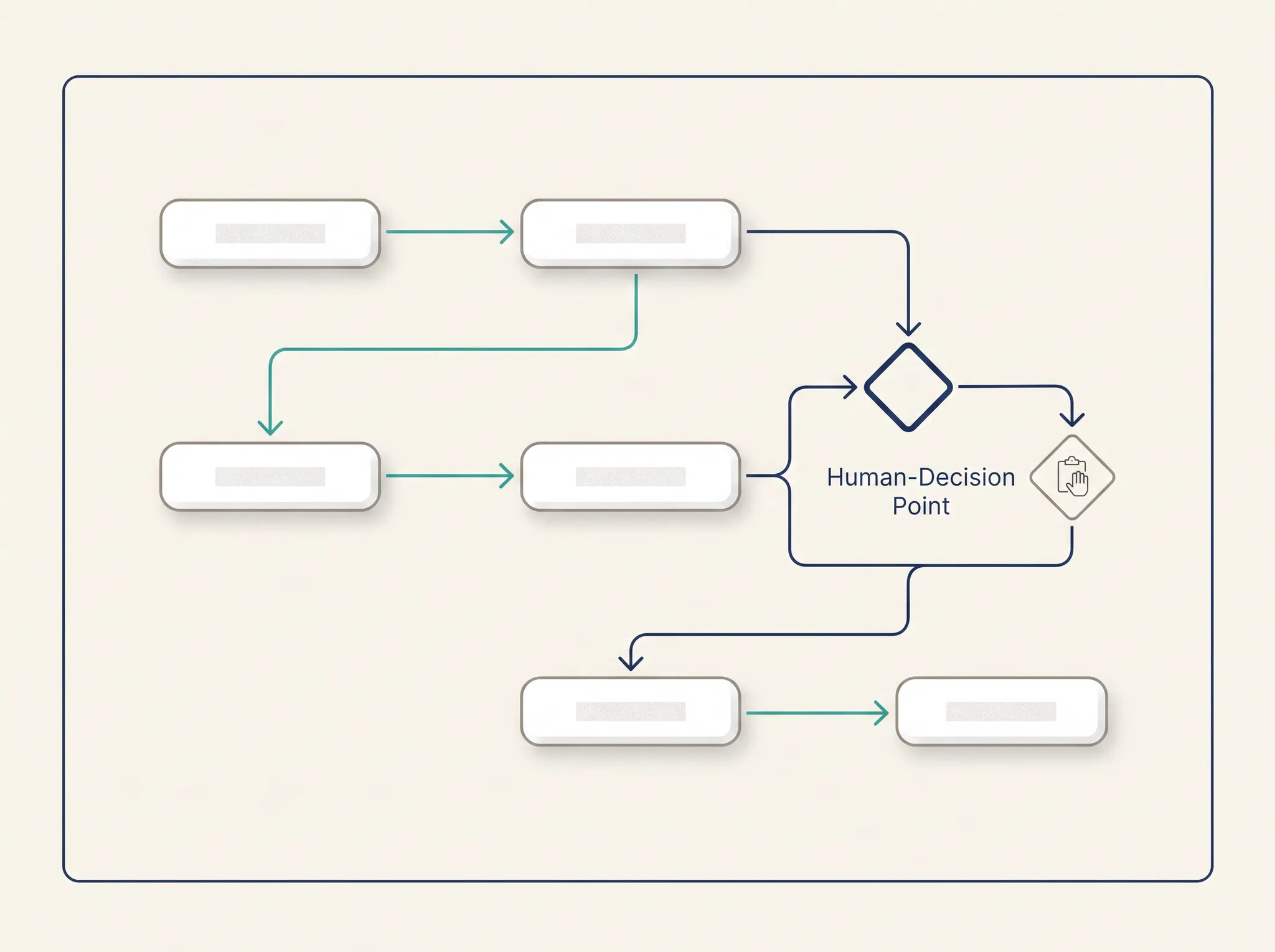
Workflow automation
Reduce recurring exports, spreadsheet consolidation, duplicate entry, document handling, reminders, and follow-up work.
New Focused internal applications
Build the specific tool existing platforms leave out without replacing everything that already works.
Founder Mark Roth owns and operates a multimillion-dollar moving and junk-removal business in Jacksonville, Florida. He brings decades of experience operating businesses across contracting, online advertising, and software development.
When growth exposed gaps between the company’s CRM, workforce, fleet, payroll, payment, and reporting processes, he began building the missing systems, using new AI tools to enable a rapid development process that was previously unattainable. Those applications now connect multiple sources and are used by the team in daily operations.
Representative systems
Built around actual operating work.
These are examples of internal systems already used in daily operations. They are not presented as off-the-shelf products.
How it works
Start with one expensive frustration.
The objective is the smallest useful system that can be validated in real work before the scope grows.
Operational review
Define the process, report, or workflow consuming time or limiting visibility.
Systems and workflow mapping
Identify where information lives, how it moves, and where human judgment remains necessary.
Focused prototype
Build a controlled first version around one defined use case.
Controlled implementation and validation
Introduce the system carefully, test it with the people doing the work, and correct gaps.
Deliberate improvement and expansion
Add reporting, automation, or connections only after the first system is useful and stable.
Keep what works
Fix the gaps before replacing the stack.
Practical Systems first looks for ways to connect and extend current software. Access is evaluated before any connection is promised, and necessary human decisions stay in the workflow.
AI-assisted development
A better building method, not the product.
Modern development tools help make focused custom systems more practical to create and improve. Customers are buying clearer information, less repetitive work, and useful operating systems—not an abstract AI initiative.
AI-empowered solutions
AI where it creates practical leverage.
The systems your staff use every day can call on AI in the background for analysis, classification, document processing, and other work that was previously too slow or costly—while keeping people in control of important decisions.
For accounting firms and business advisors
Accurate books do not always provide operational visibility.
Practical Systems can help connect accounting results to the CRM, payroll, workforce, marketing, job, and other operating information—without replacing the advisor’s role or the client’s existing accounting platform.
Discuss a Client Problem →Frequently asked
Answers before the first conversation.
The useful starting point is not a technology wish list. It is a specific operating problem and an honest look at the systems involved.
Who is Practical Systems for?+
Established service businesses whose managers spend too much time bridging the gaps between CRM, accounting, payroll, workforce, fleet, payments, marketing, and spreadsheet-based processes.
What do you actually build?+
Focused dashboards, connected reporting, workflow automation, system connections, and internal applications designed around a defined operating need.
Will we have to replace our current software?+
Usually, that is not the first recommendation. Practical Systems first evaluates whether the tools already in place can be connected, extended, or supported by a focused application.
Can every platform and process be automated?+
No. Available access must be evaluated first, and some workflows should retain human input or judgment. A practical solution may use APIs, structured files, exports, or deliberate manual steps.
How does an engagement begin?+
An Operational Systems Review examines the process, people, systems, and desired outcome, then identifies the smallest useful first step.
Begin with one problem
What process is your company still doing the hard way?
Send a short description of the report, spreadsheet, handoff, or recurring task. Mark can determine whether an Operational Systems Review is the right next step.